
Recommended
Complete pack
The Architect, Fabric API, Litematica and MaLiLib in one import.
- Modrinth App / Prism .mrpack · Coming soon
Install
- Open the Modrinth App or Prism.
- Import the file.
- Launch it, press B and sign in.
AI build assistant · Minecraft Java
The Architect designs a building for your world and shows it as a ghost you can build.
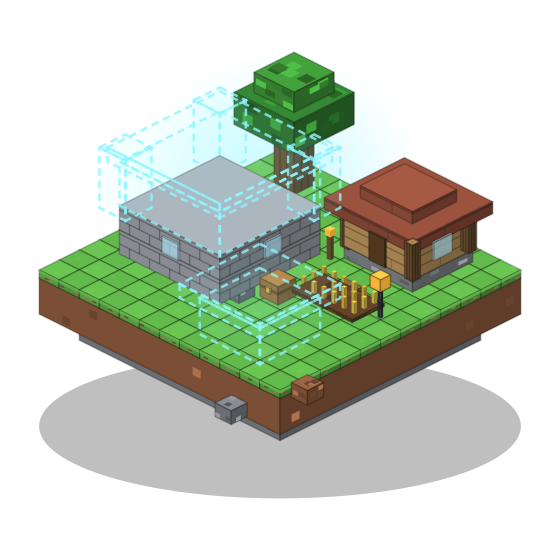
How it works
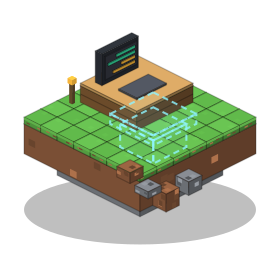
Press B in the game and describe what you want.
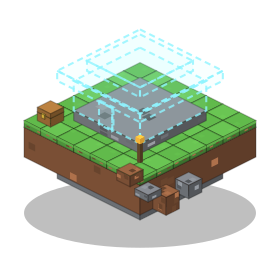
A see-through blueprint appears in your world.
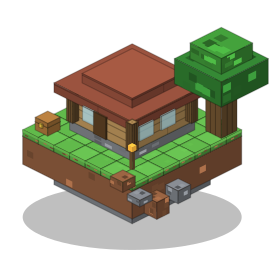
Follow the material list in survival, or place it in creative.
Features

See the build in your world before you place a block.

An exact list of what to gather.

Every change is saved. Go back any time.

Design in your browser, send it to the game.

Build by hand, or place it in one go.
Studio
Chat, turn the build around in 3D, then send it to Minecraft.
.litematicMake the roof steeper.
Done. Version 3 is ready.
Examples
Spin them, build them layer by layer, download the schematic.
The 3D viewer needs JavaScript and a web server.
Solid = placed, blue = ghost still to build.
In creative, the whole build is placed at once.
The finished build. Drag to orbit, right-drag or two fingers to pan.
Download
v0.1.0 Minecraft 1.21.11 · Fabric · downloads open soon
Recommended
The Architect, Fabric API, Litematica and MaLiLib in one import.
Already have Litematica
Just the jar, for your own Fabric setup.
Client-side only. Nothing to install on the server.
Plans and packs
The mod is free. The AI needs an account and one of these. There is no free AI usage. Prices are in US dollars. Payments run in test mode until launch: nothing is charged yet.
Your usage resets every month when the plan renews, and you see it as a bar: how much of the month you have used. The monthly usage is the only limit (a fair-use cap of 60 messages an hour and 400 a day stops spam); add credits any time. How much a request uses depends on what you ask for. Annual plans cost 10 months for 12 and still reset your usage monthly. Every plan can use all models, including Large.
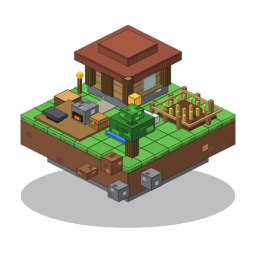
$79.90 / year
Save $15.98 a year: 2 months free
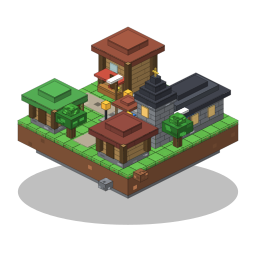
$179.90 / year
Save $35.98 a year: 2 months free
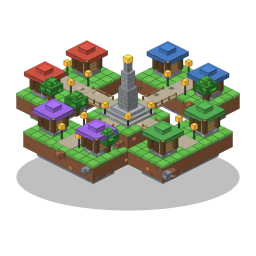
$299.90 / year
Save $59.98 a year: 2 months free
No subscription needed. Credits are used after your month is spent, and they never expire.
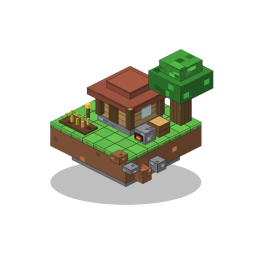
Day one. Dirt hut. Big plans.
100 credits
$5.99
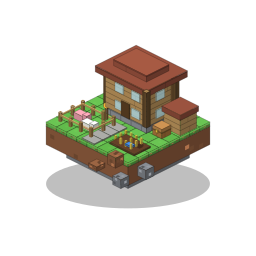
The base is finally growing.
300 credits
Save 11%
$15.99
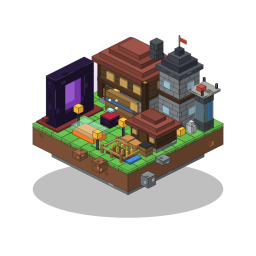
The ones who stayed went huge.
700 credits
Save 16%
$34.99
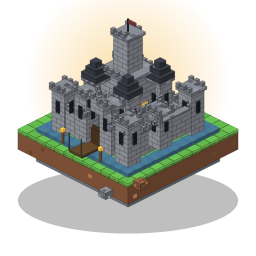
Everyone left. Your base didn't.
1,000 credits
Save 24%
$44.99
Game only. You pay the AI provider directly.
FAQ
Downloads are coming soon. At launch you import the complete pack in the Modrinth App or Prism Launcher, launch it, press B and sign in. Already on Fabric with Litematica? Add the mod jar to your mods folder.
Yes. Litematica and MaLiLib draw the ghost in your world. The complete pack includes them.
Yes. Everything runs on your own client, so nothing is installed on the server. It works in singleplayer, on Aternos and on other servers.
The mod will be free to download when it launches (coming soon). The AI is not free: you need a subscription (from $7.99 a month), credits (from $5.99) or your own key with an AI provider (game only).
No. In survival it shows the ghost and a material list, and you build it. Instant placement is for creative only.
Yes, it is an AI. It can get sizes, blocks or material lists wrong, so check a build before you build it.
Players aged 15 and over with their own copy of Minecraft: Java Edition. Using your own Anthropic key needs an Anthropic account, which means 18+.
Yes, in the game only. You pay Anthropic directly. The key is sent over an encrypted connection, used for that session and never stored on our servers.
Your messages, the part of the world needed for a design, and screenshots when you chat. Turn screenshots off with /screenshots off. Details are in the privacy policy.
With your email: we send a sign-in link, no password. To link the game, the mod shows a short code that you enter in Studio.